اختار الكابل حسب منفذ إخراج الصورة في الجهاز ومدخل الشاشة، ثم الطول والدقة ومعدل التحديث. راجع السعر والمخزون والضمان المدرجين لكل منتج قبل الطلب.
HDMI ولا DisplayPort ولا USB-C؟
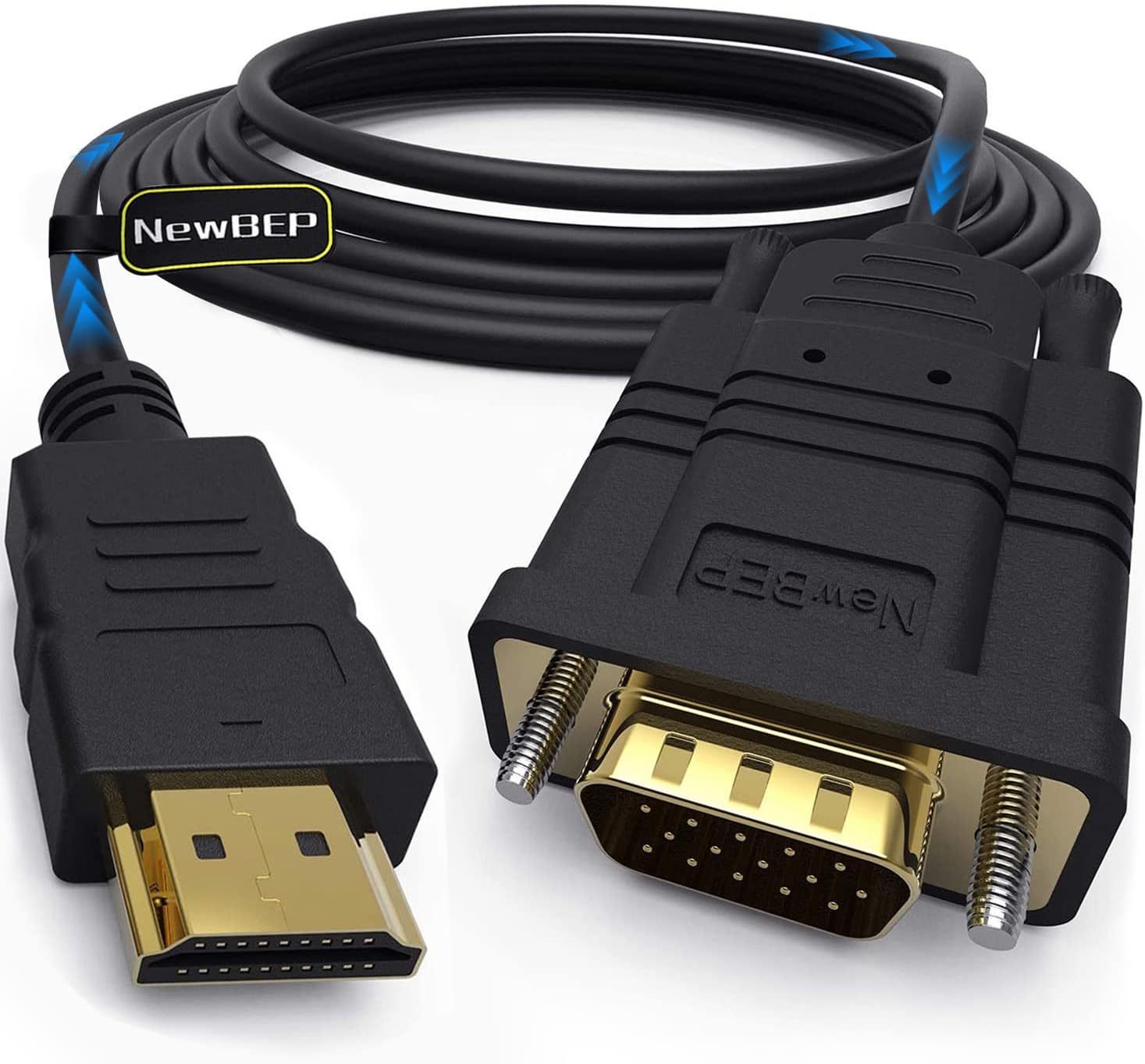
HDMI إلى HDMI يربط مخرج HDMI بمدخل HDMI، وDisplayPort إلى DisplayPort يربط منفذي DP. كابل USB-C إلى HDMI أو DisplayPort يحتاج مصدر USB-C يدعم إخراج الفيديو؛ منفذ الشحن أو نقل البيانات وحده لا يكفي.
أي كابل من المعروض يناسبني؟
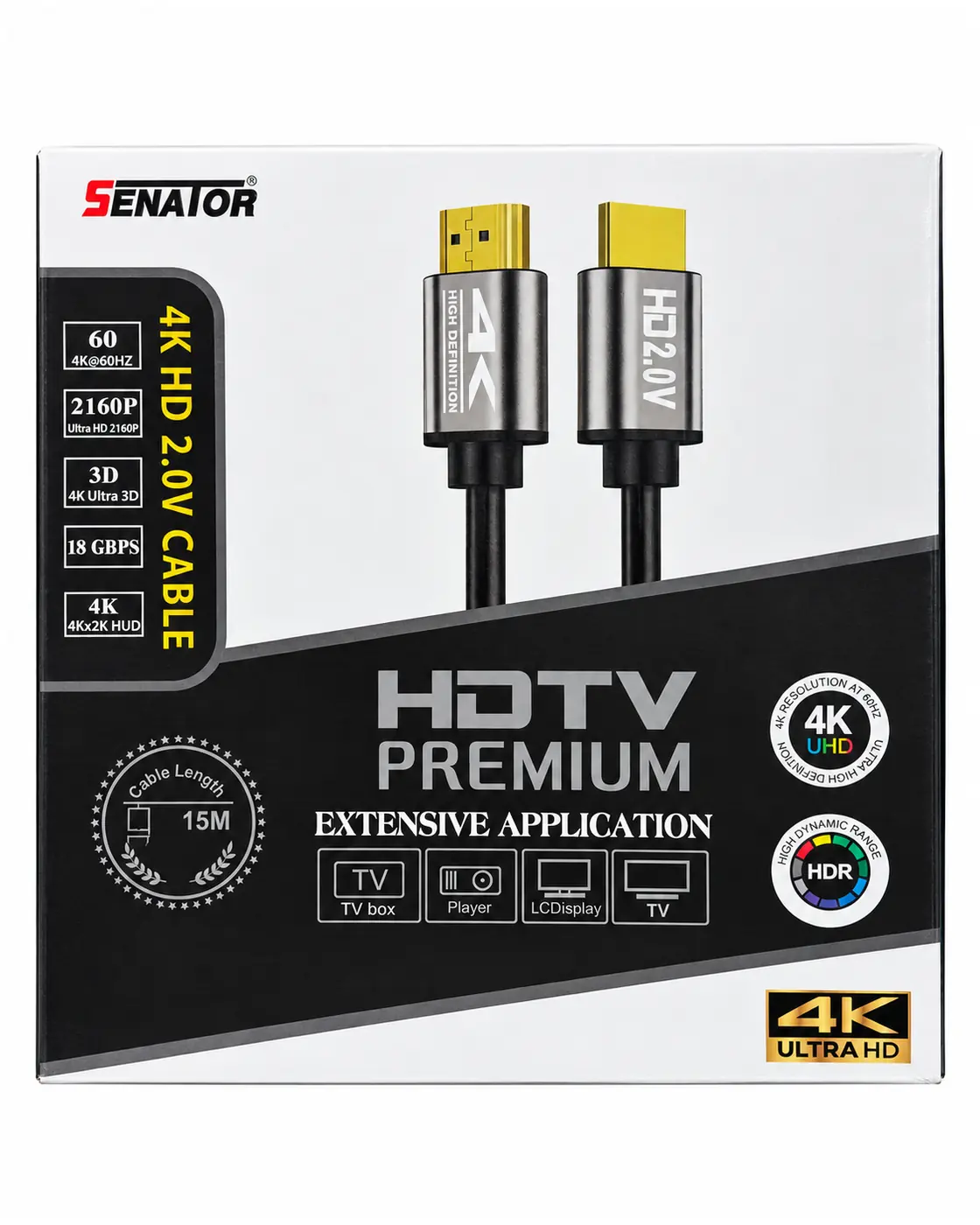
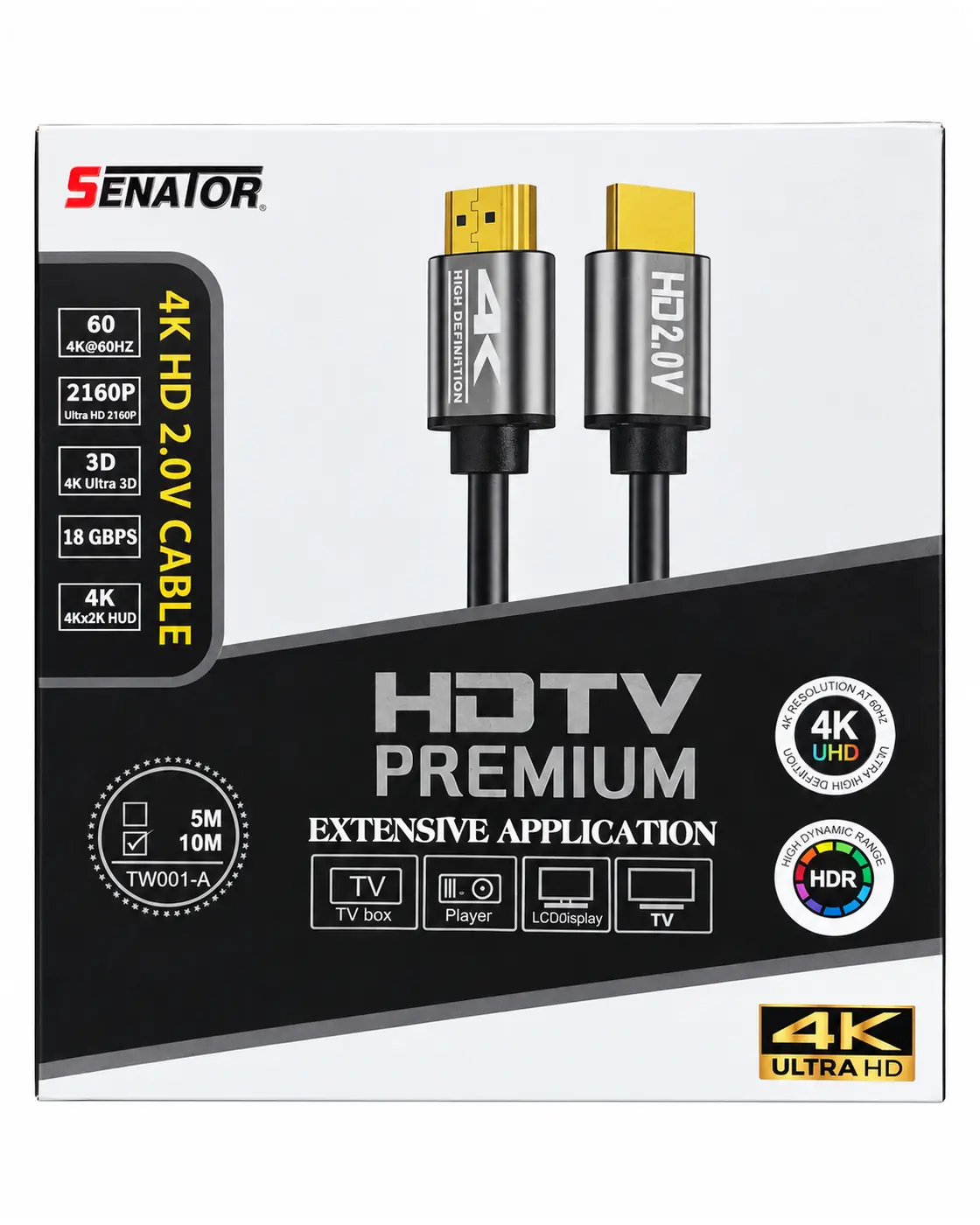
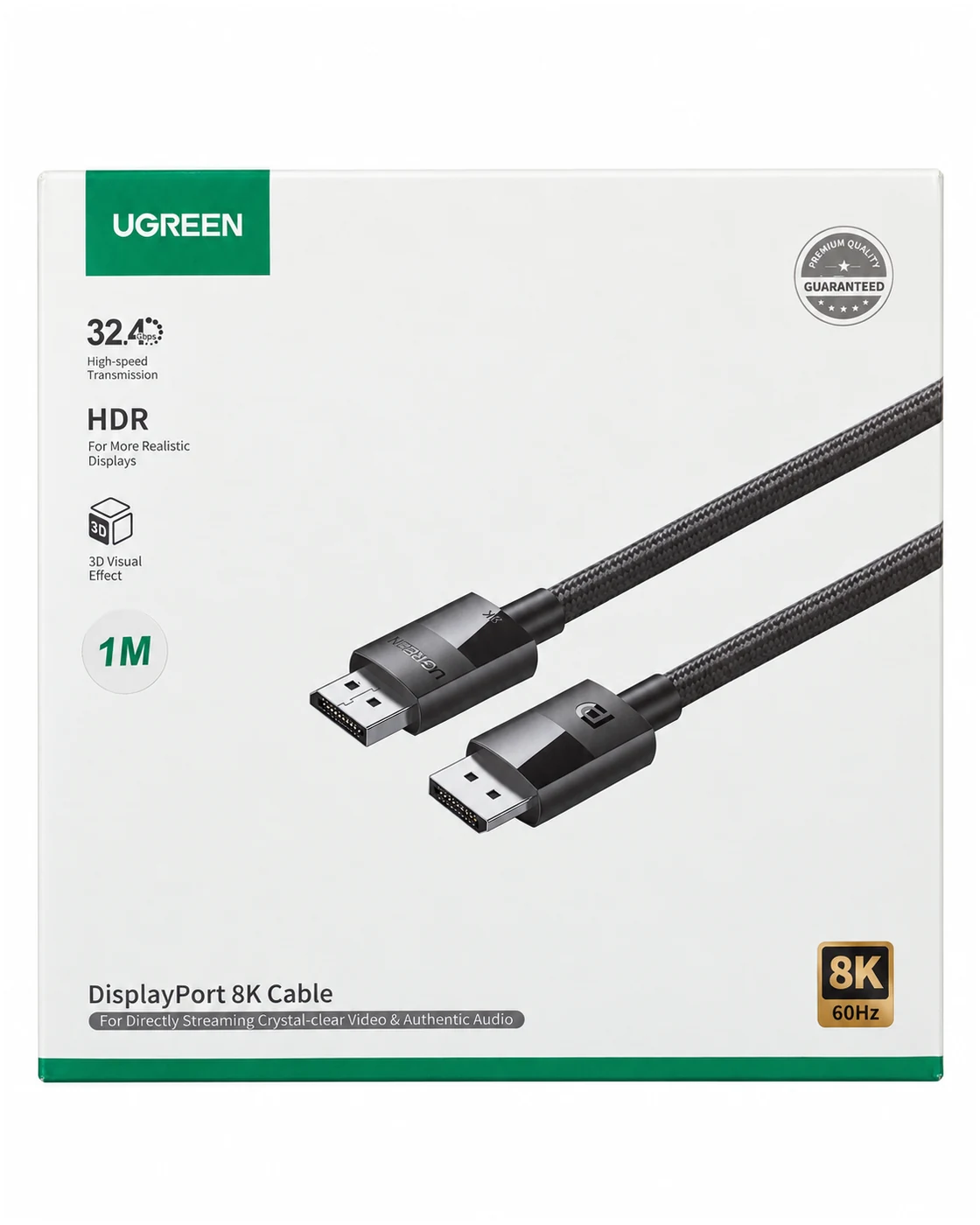
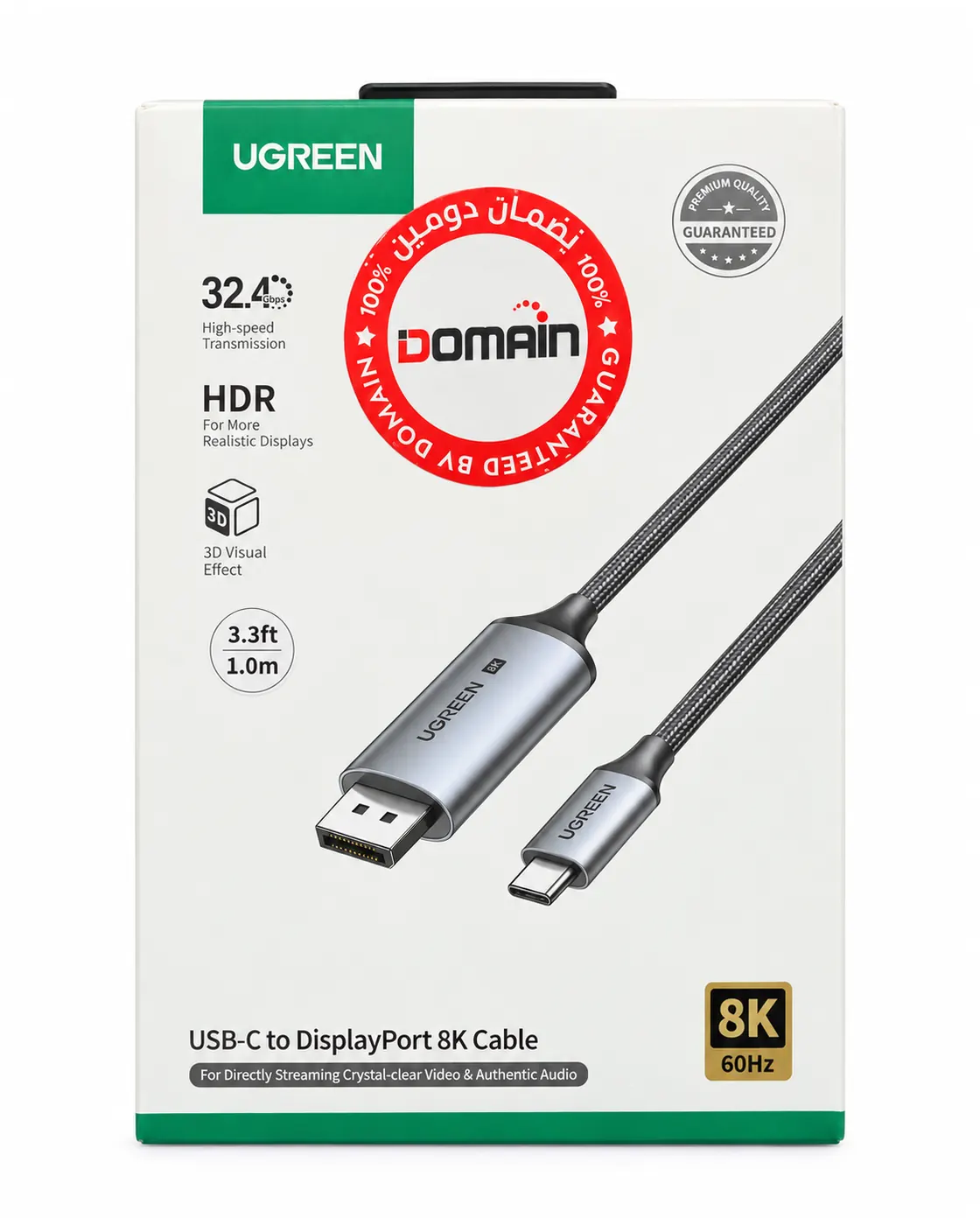
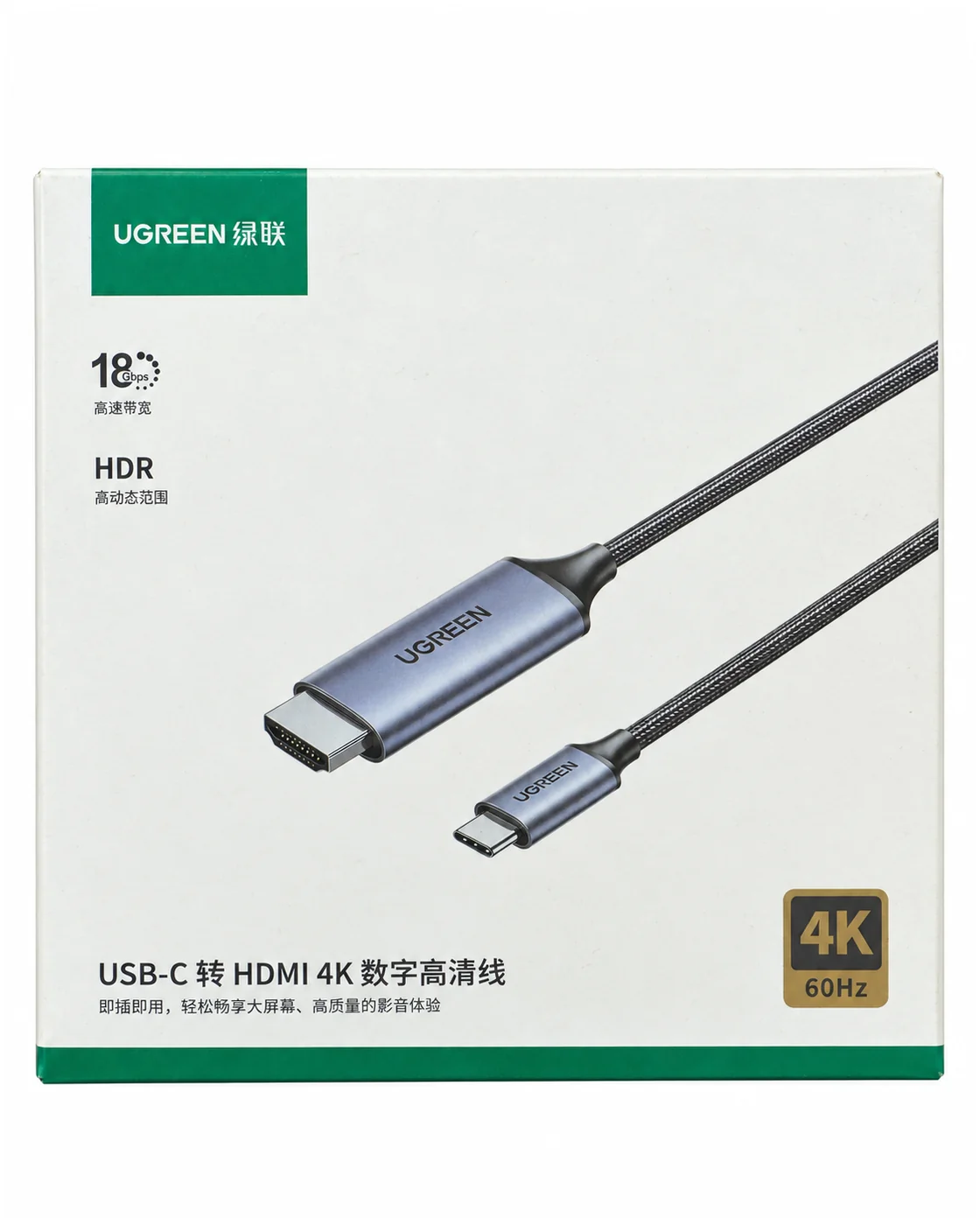
المعروض يضم SENATOR TW001-A بطولي 10 و20 مترًا، وUGREEN 80390 من DP إلى DP بطول متر، و25157 CM556 من USB-C إلى DP بطول متر، و50570 MM142 من USB-C إلى HDMI بطول 1.5 متر. تمت مطابقة هذه الأرقام والأطوال مع العبوات؛ اختر المنافذ المناسبة أولًا.
هل كابل USB-C يعمل في الاتجاهين؟
لا تفترض ذلك. تأكد من اتجاه التحويل للموديل: جهاز USB-C إلى شاشة HDMI أو DP يختلف عن جهاز HDMI أو DP إلى شاشة USB-C. راجع دعم DisplayPort Alt Mode في الجهاز ورقم موديل الكابل.
هل 4K 60Hz أو 8K 60Hz مضمونان؟
هذه حدود معلنة للموديل وليست نتيجة مضمونة لأي جهاز. المصدر والشاشة والمنفذ وإعدادات الألوان وHDR تؤثر على الوضع المتاح؛ بعض أوضاع 8K تحتاج ضغط DSC متوافقًا. طابق رقم قطعة UGREEN بدل تعميم مواصفات إصدار آخر.
ماذا أراجع في كابل SENATOR بطول 10 أو 20 مترًا؟
راجع الطول الفعلي وبيانات العبوة، واختبر الدقة ومعدل التحديث على أجهزتك ومسار التركيب قبل تثبيت الكابل. لا نستنتج شهادة HDMI من كلمة Premium أو رقم 18Gbps؛ تأكد من ملصق اعتماد يمكن التحقق منه إن كانت الشهادة مطلوبة.
Match the source video output to the display input, then choose length, resolution and refresh rate. Each product listing supplies its current price, stock and warranty.
HDMI, DisplayPort or USB-C?
HDMI-to-HDMI and DP-to-DP connect matching video ports. USB-C-to-HDMI or DP requires a USB-C source that supports video output; charging or USB data support alone is insufficient.
Which listed cable should I choose?
Box-matched models: SENATOR TW001-A HDMI in 10m and 20m; UGREEN 80390 DP-to-DP, 1m; 25157 CM556 USB-C-to-DP, 1m; and 50570 MM142 USB-C-to-HDMI, 1.5m. Choose the correct connectors before comparing advertised video modes.
Does a USB-C cable work in reverse?
Do not assume bidirectional conversion. A USB-C source to an HDMI or DP display is a different connection from an HDMI or DP source to a USB-C display. Check the device’s DisplayPort Alt Mode support and the cable model’s direction.
Are 4K 60Hz and 8K 60Hz guaranteed?
Advertised modes depend on the exact source, display, port, color and HDR settings. Some 8K modes require compatible DSC compression. Match the UGREEN part number before applying another version’s specifications.
What about 10m and 20m SENATOR runs?
Confirm the boxed length and test the required mode with your equipment along the installation route before fixing the cable in place. A Premium wordmark or 18Gbps claim alone does not establish HDMI certification; verify the certification label when required.